

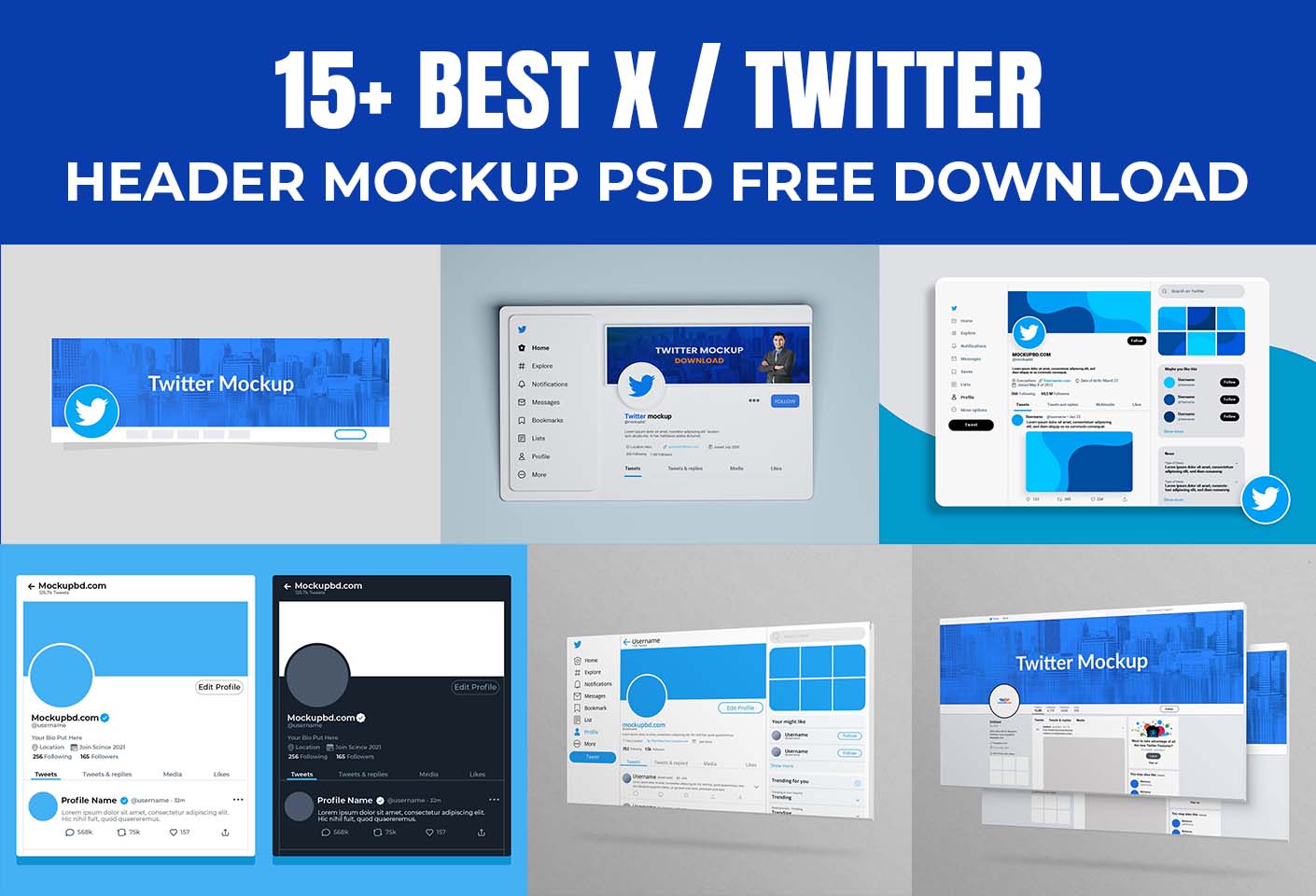
Looking for a professional X (Twitter) header mockup PSD free download? You’re in the right place! Whether you’re a designer, brand owner, or social media manager, having a high-quality Twitter (now X) header mockup can make your presentation stand out instantly.
In this post, we’ve handpicked 15+ best X (Twitter) header mockups — all available for free download in PSD format. These templates are easy to customize, layered, and perfect for showcasing your brand identity or social media design projects.
Why Use a Twitter Header Mockup?
Your Twitter header (or X banner) is the first thing people notice when they visit your profile. A mockup allows you to visualize your header design in a realistic environment before publishing it live.
Here’s why designers love using header mockups:
- Preview your design in a realistic frame
- Save time creating presentations for clients
- Test different color schemes and layouts
- Make your portfolio look professional
Whether you’re building a brand or designing for clients, a mockup adds a touch of professionalism that makes your work pop.
🧩 15+ Best X (Twitter) Header Mockup PSD Free Downloads
Below are our handpicked free mockups for 2025 — all high-quality, layered, and ready for Photoshop editing.
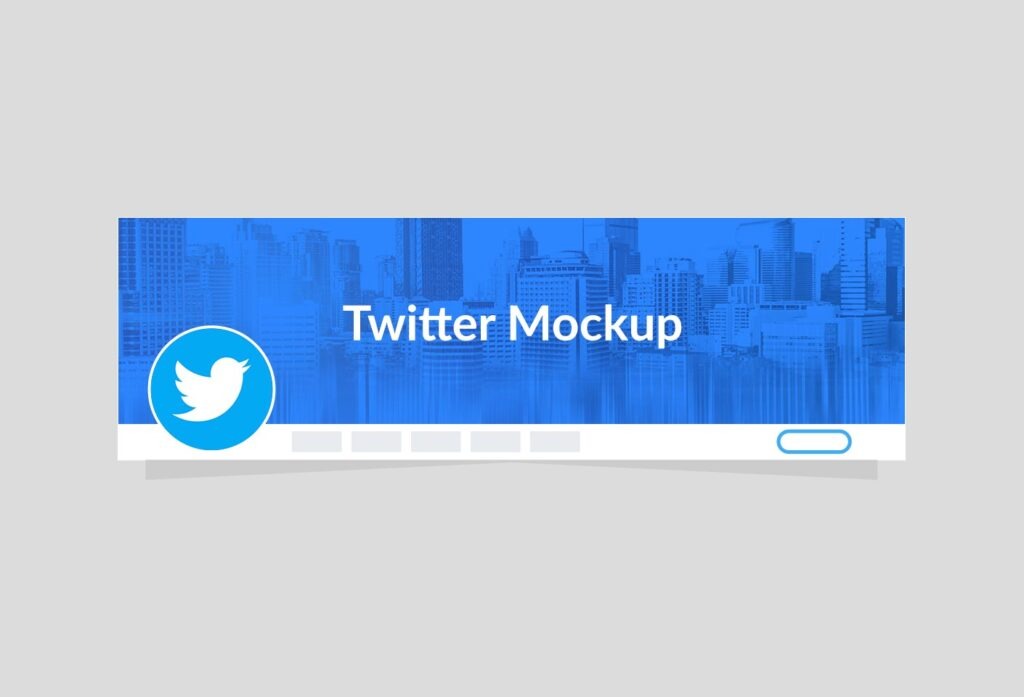
1. Clean X (Twitter) Header Mockup PSD
A minimalist mockup perfect for brands that prefer simplicity. Easy to edit via smart objects.
2. Twitter Header on Laptop Screen Mockup
Showcase your design as it appears on a desktop screen. Great for portfolio presentation.
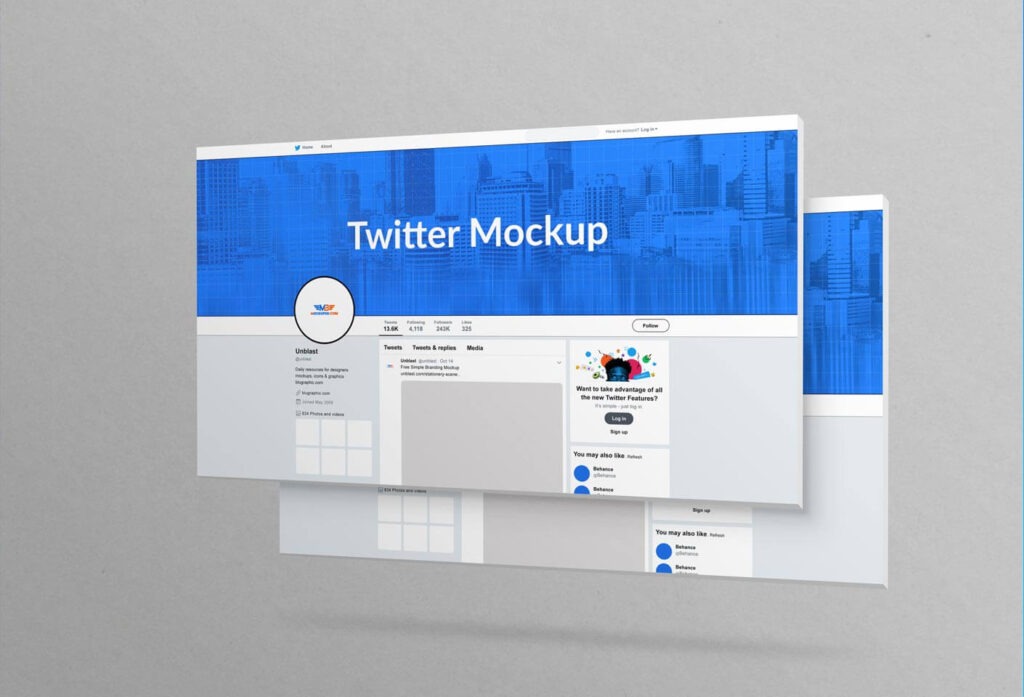
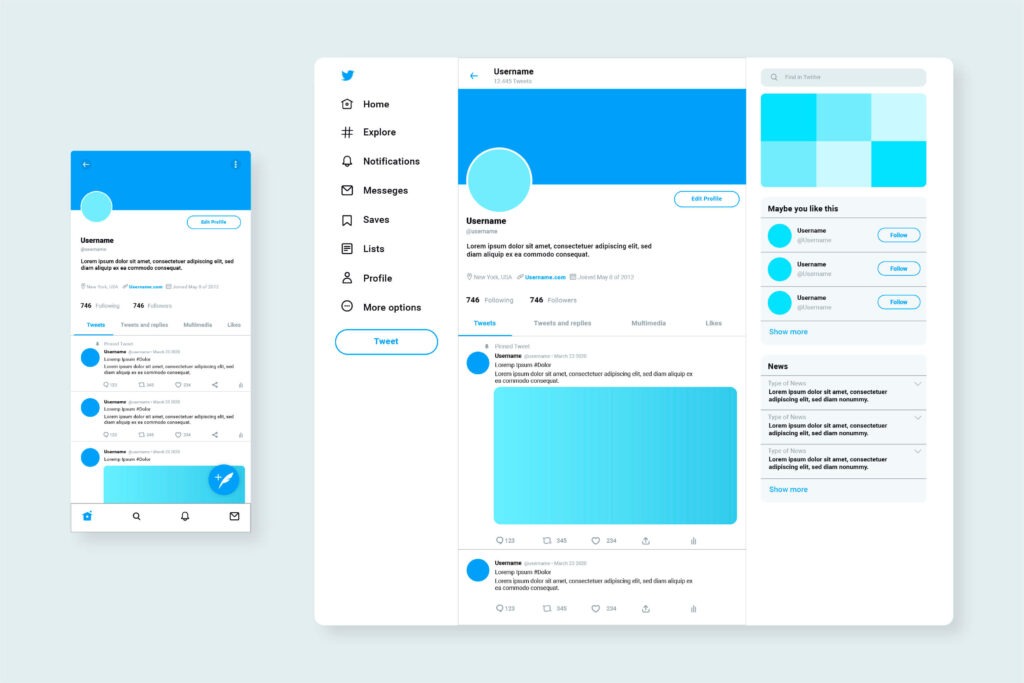
3. X Profile Header + Profile Picture Combo Mockup
This mockup includes both header and profile photo — ideal for full brand identity showcases.
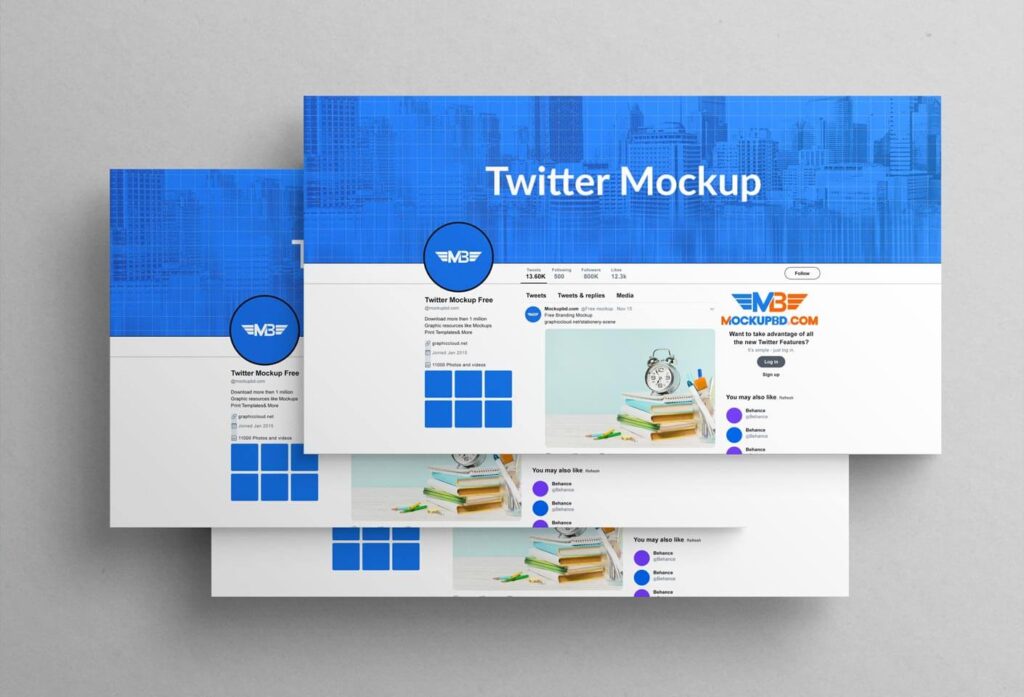
4. Modern Gradient Twitter Banner Mockup
Stylish and trendy — perfect for tech or creative brands.
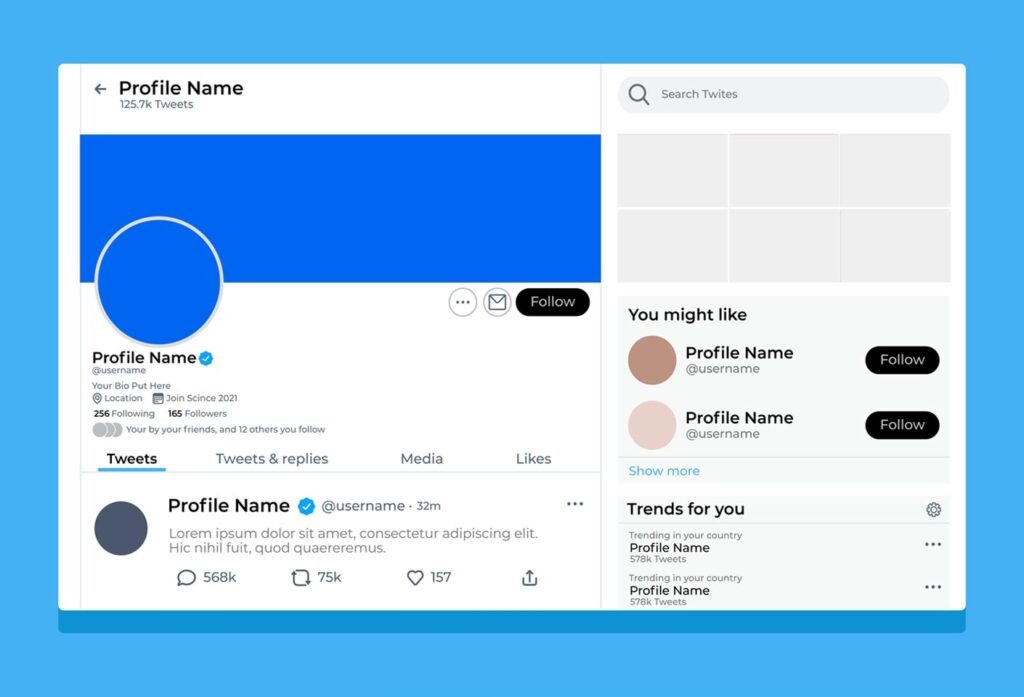
5. Realistic Smartphone Twitter Header View
Preview your header as it appears on the X mobile app.
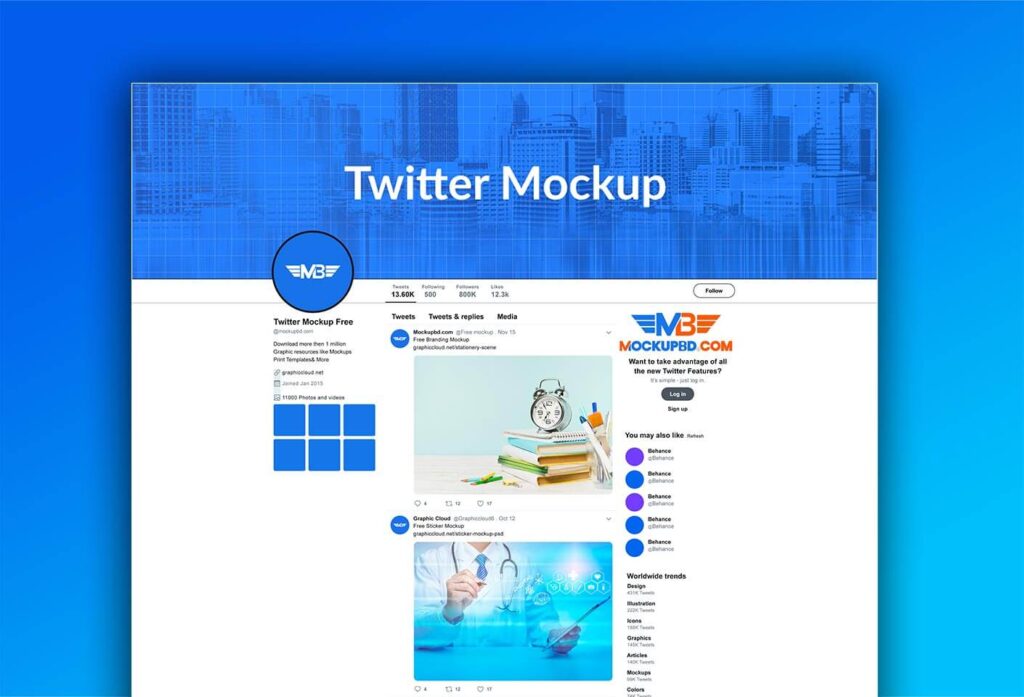
6. Dark Mode X Header Mockup
With Twitter’s dark mode now widely used, this mockup helps you test visibility in dark themes.
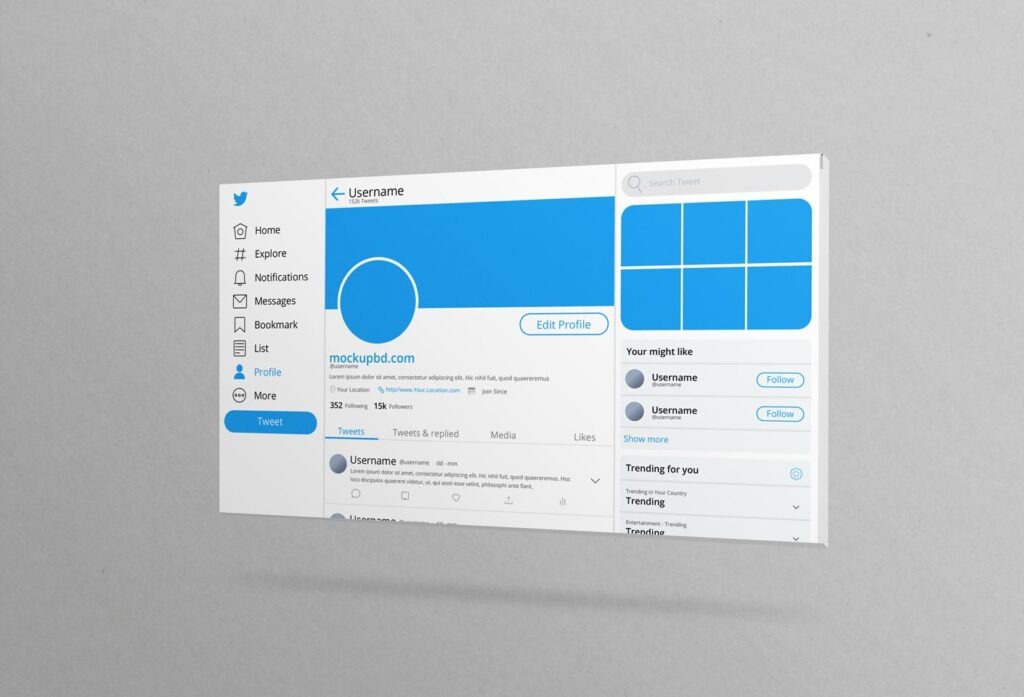
7. Creative Agency Twitter Header Mockup
Perfect for digital agencies and personal brands. Add your design in seconds.
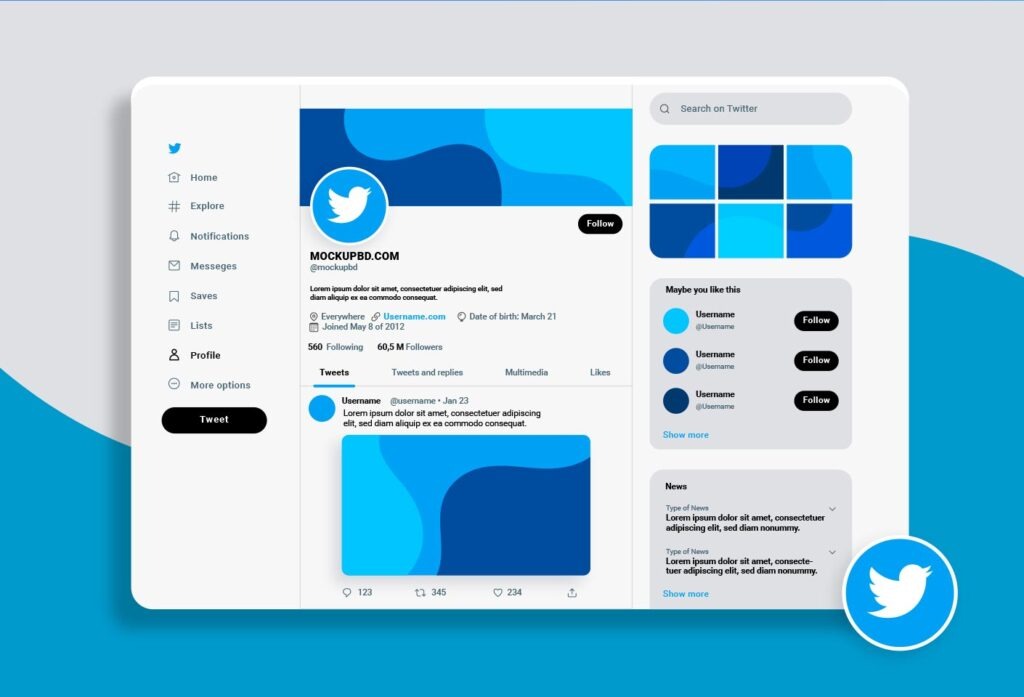
8. Corporate Twitter Header Mockup PSD
Professional, clean, and designed for brands that value sleek corporate identity.
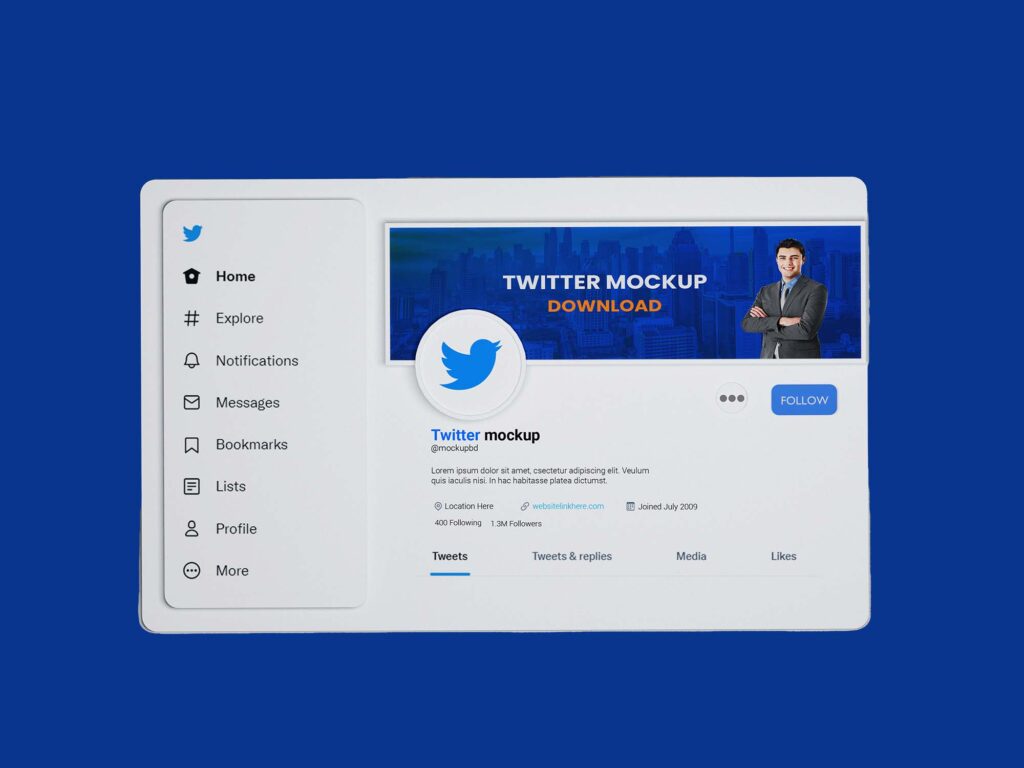
9. Minimal Flat Twitter Header PSD
Flat design lovers will enjoy this clean presentation style.
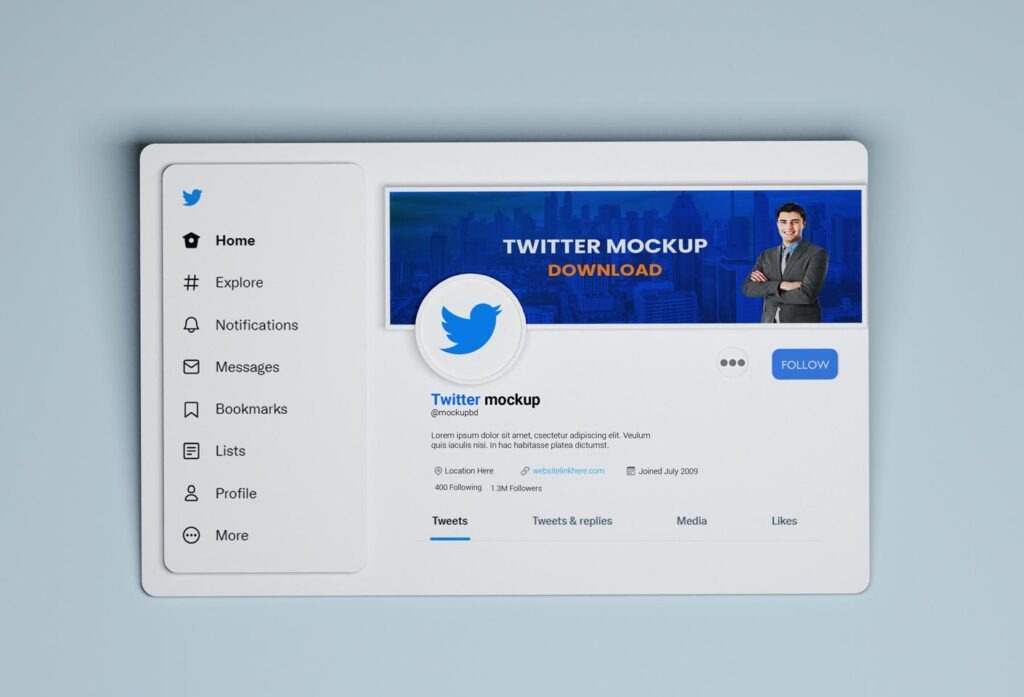
10. Artistic X Header Mockup
Perfect for creative portfolios or art-based accounts.
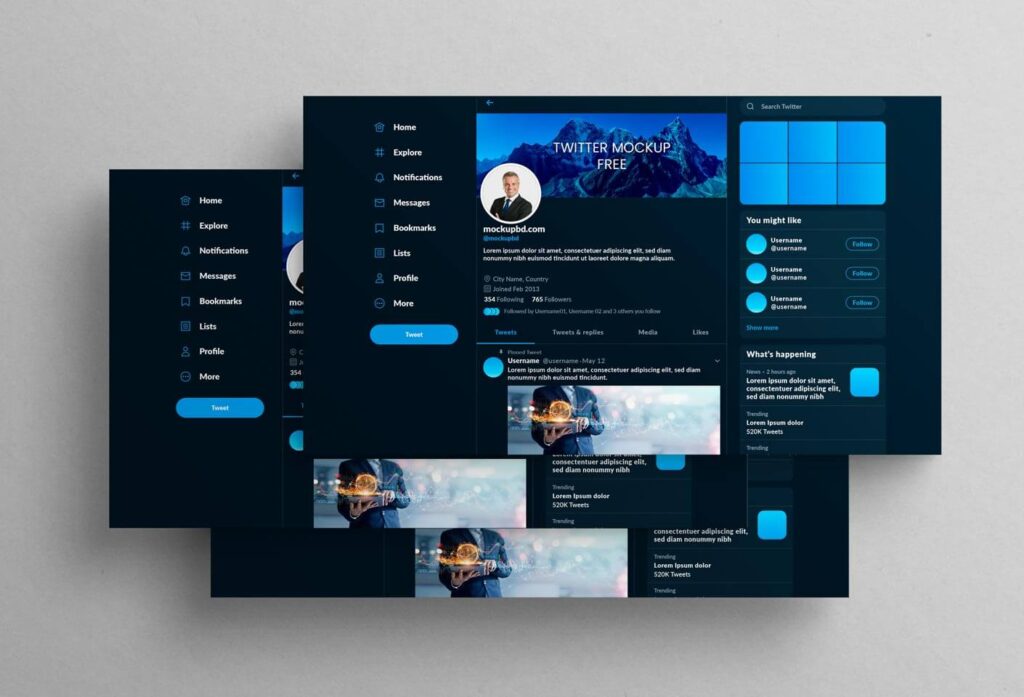
11. Business Twitter Banner Presentation Mockup
Designed for showcasing branding and business profile headers with a realistic layout.
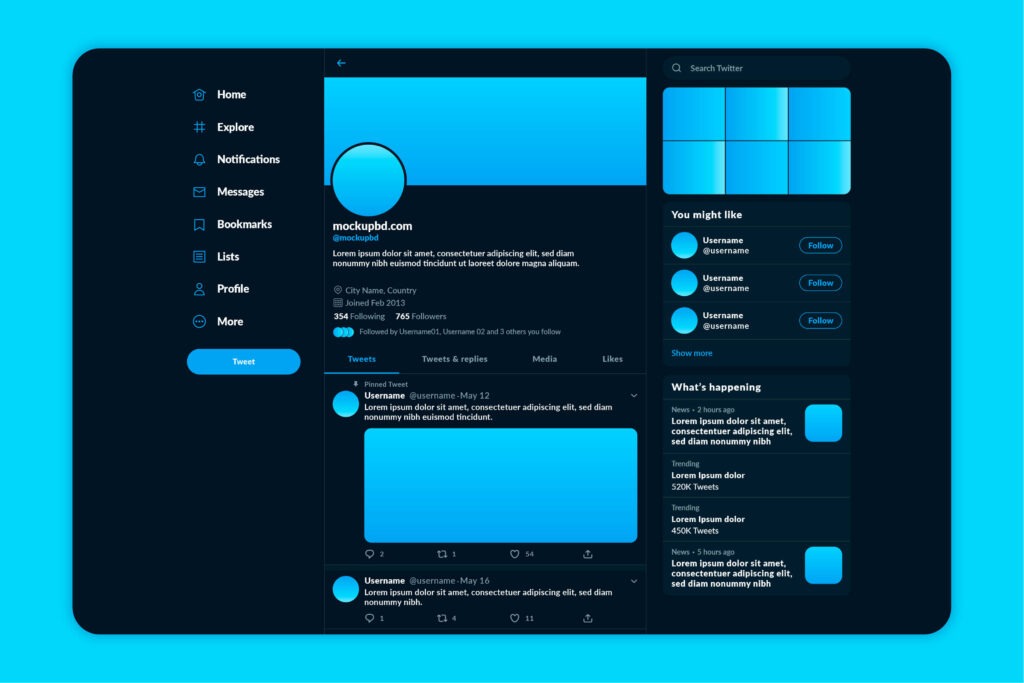
12. Social Media Pack – Twitter + Instagram Header Mockups
Get multiple social media mockups in one pack, including X (Twitter) banners.
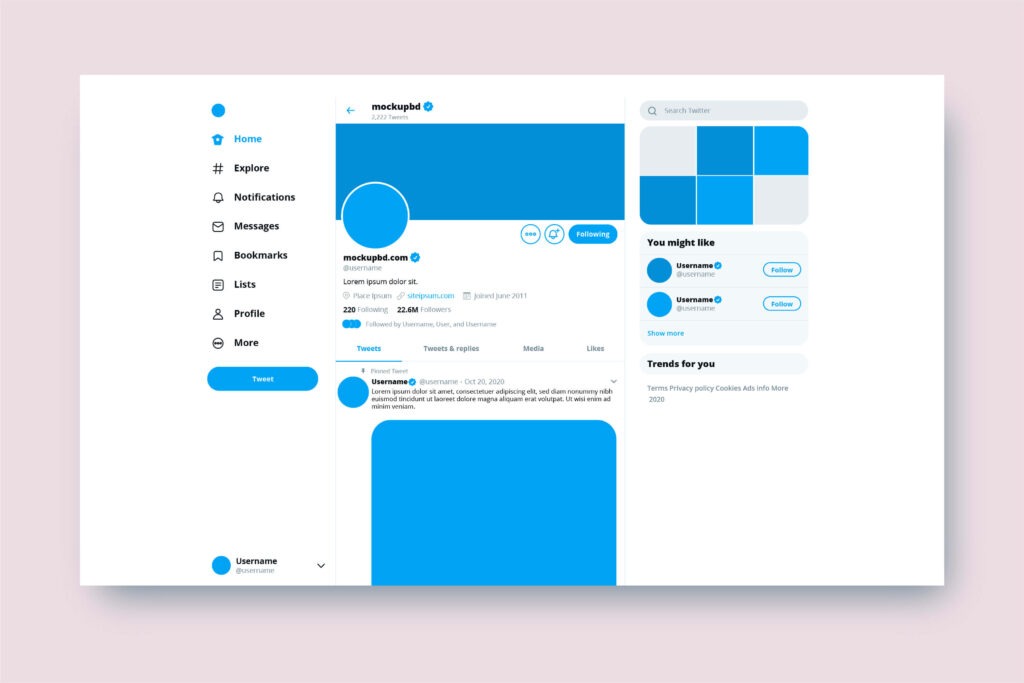
13. Elegant Twitter Header Mockup with Blur Background
Gives your design a soft, realistic look with customizable background blur.
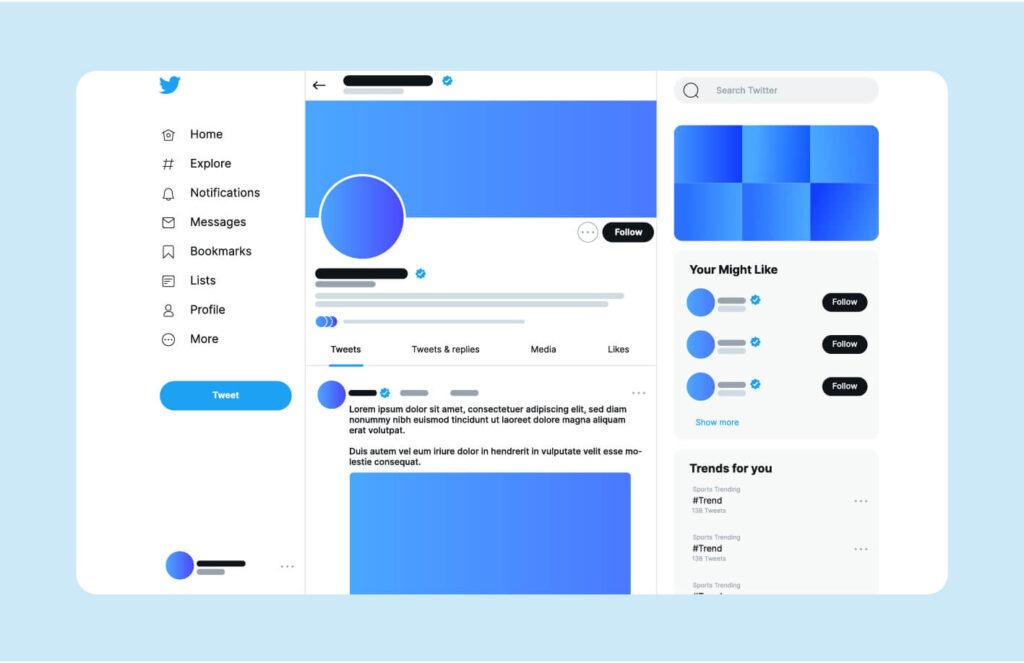
14. Twitter Header Mockup in Browser Window
Preview your header in a realistic browser frame. Perfect for website or social media designers.
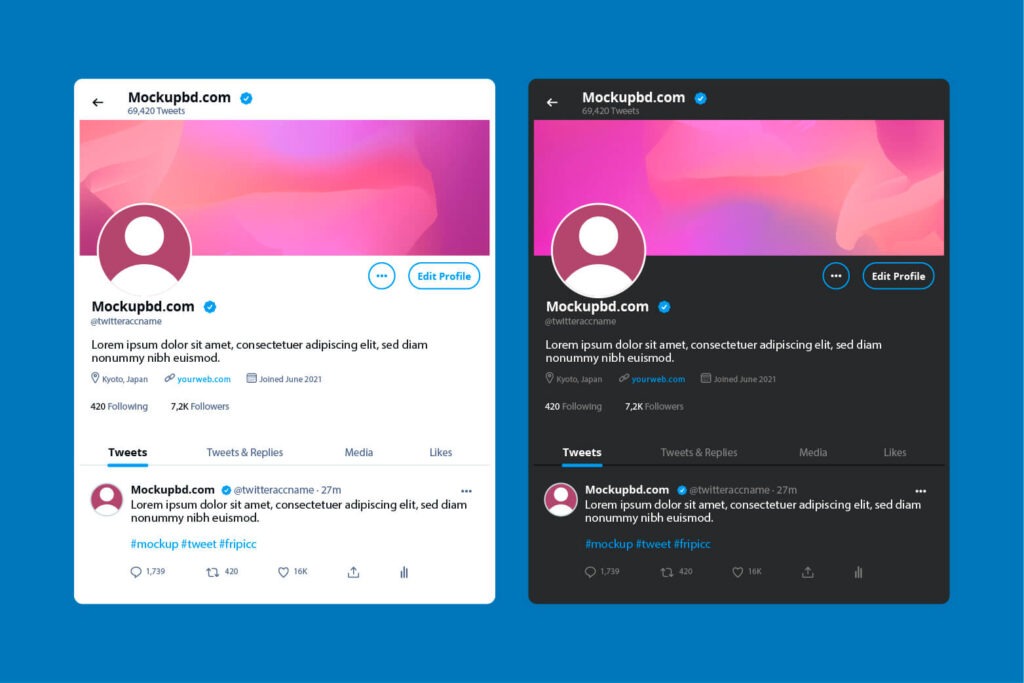
15. Branding Presentation Twitter Header Mockup
A must-have for branding portfolios — includes smart object layers and high-res texture.
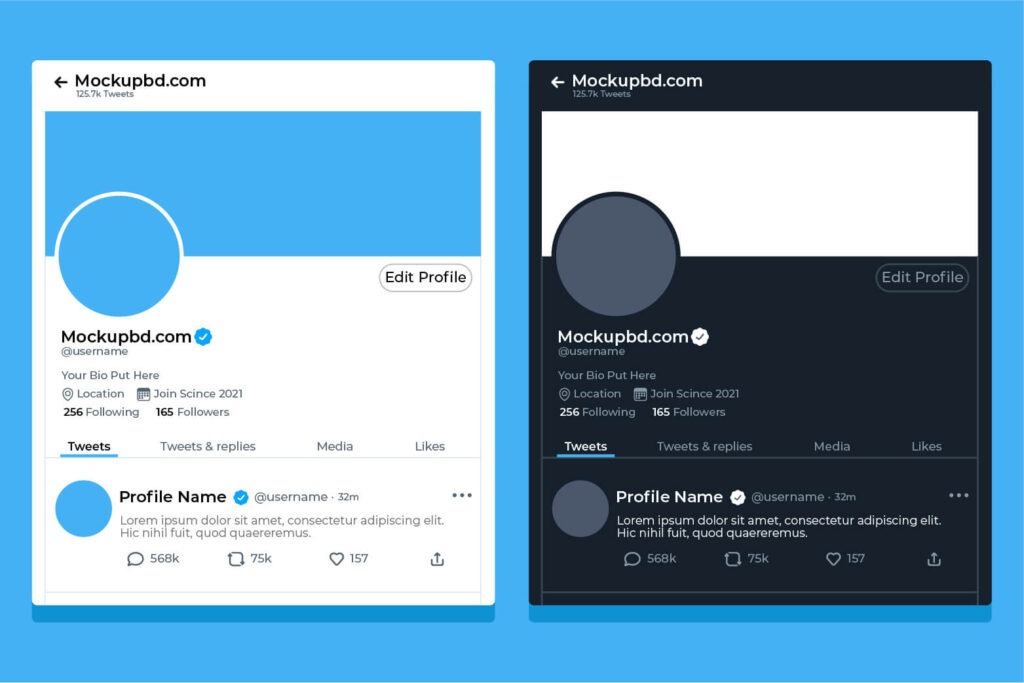
16. Free Twitter/X Banner Mockup Pack
A bundle with multiple variations (light mode, dark mode, mobile, and desktop).
Read more: 500+ Youtube Thumbnail Design PSD Templates
🧠 How to Edit a Twitter Header Mockup PSD
- Open the PSD file in Adobe Photoshop.
- Locate the Smart Object layer.
- Double-click and replace the placeholder with your design.
- Save and close the Smart Object window.
- Your header design will update automatically on the mockup!
📥 Download All Free Twitter Header Mockups
Want to save time? Download the entire collection of X (Twitter) Header Mockup PSDs in one bundle — free for personal and commercial use.
Frequently Asked Questions (FAQs)
Q1: What is the ideal size for a Twitter (X) header?
A: The recommended size is 1500 x 500 pixels with a 3:1 aspect ratio.
Q2: Can I use these mockups for commercial projects?
A: Most of them are free for personal and commercial use, but always check the license file before use.
Q3: Do I need Photoshop to edit these mockups?
A: Yes, most mockups are in .PSD format, which works best in Adobe Photoshop.Q4: Are these mockups updated for 2025?
A: Yes, we’ve included the latest mockups that fit the current X (Twitter) layout and dark mode designs.
Table of Contents